A welcoming, non-elitist culture
We want stillHQ to feel friendly and practical whether you run stillOS or not. New Linux users should be able to ask basic questions and get straight, helpful answers without anyone talking down to them.
Everything journalists, creators, and community members need to write about stillOS and stillHQ accurately, including our story, community goals, official logos, brand guidelines, and press screenshots.
Project lead Cameron Knauff is an Entrepreneurship student, Linux community member, and content creator on YouTube. He previously built risiOS, a Fedora-based distribution aimed at smoothing out the rough edges of desktop Linux.
After a decade in the Linux community, college and real work caught up, and he wanted a Linux system that just works without getting in the way or requiring maintenance. Trying Windows 11 again lasted less than 48 hours before going right back to Linux.
That turned into a three-year effort under stillHQ to build a desktop operating system that feels calm, dependable, and approachable without locking users out of their own computer. Instead of starting from a traditional mutable package stack, stillOS pairs an enterprise-grade AlmaLinux 10 base with atomic, bootc-based system updates and Flatpak apps.
On top of that foundation sits a polished GNOME-based desktop experience (“stillGNOME”), paired with stillHQ’s own tools. Those include SWAI for native-feeling web apps, stillCenter for curated software and stillRatings, stillControl for layouts and themes, Quick Setup for first boot, stillExplore for post-install guidance, stillSystemManager (SSM) for background updates, stillBuild for declarative OS images, and stillTerminal for developers working with containers and SSH.
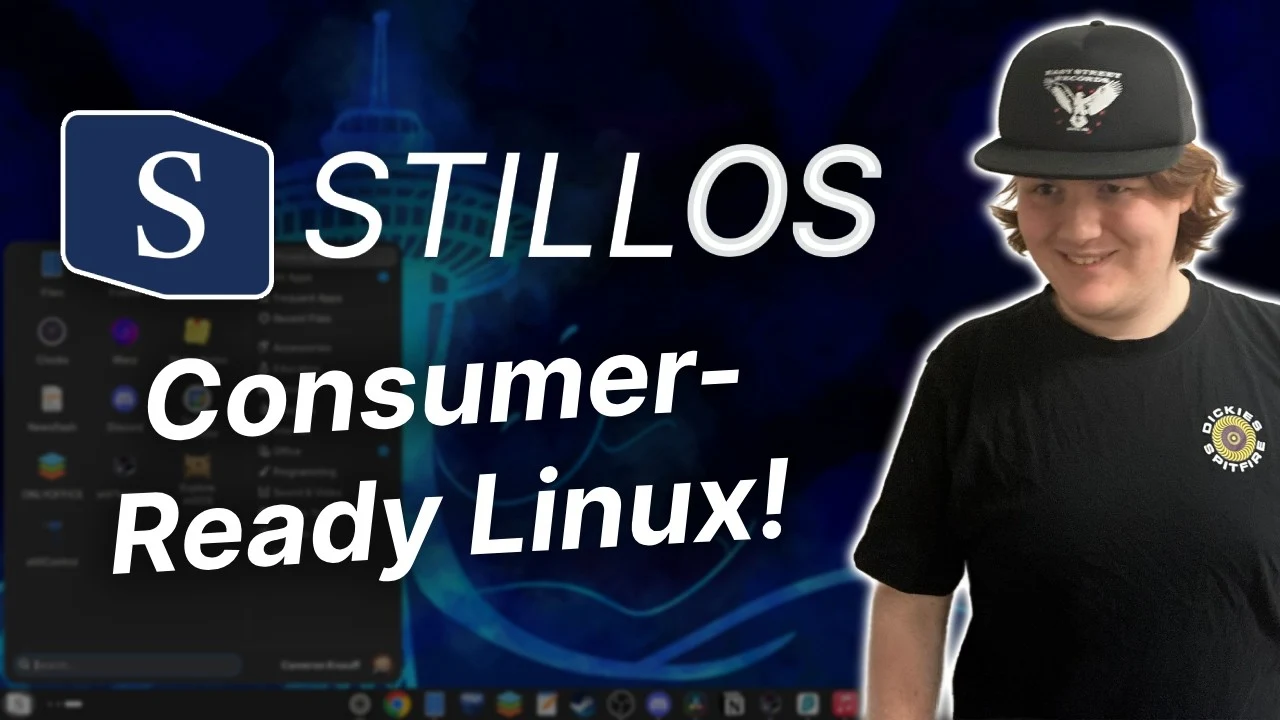 I spent 3 years building this Linux distro
Cameron’s launch video walking through why stillOS exists and how it works.
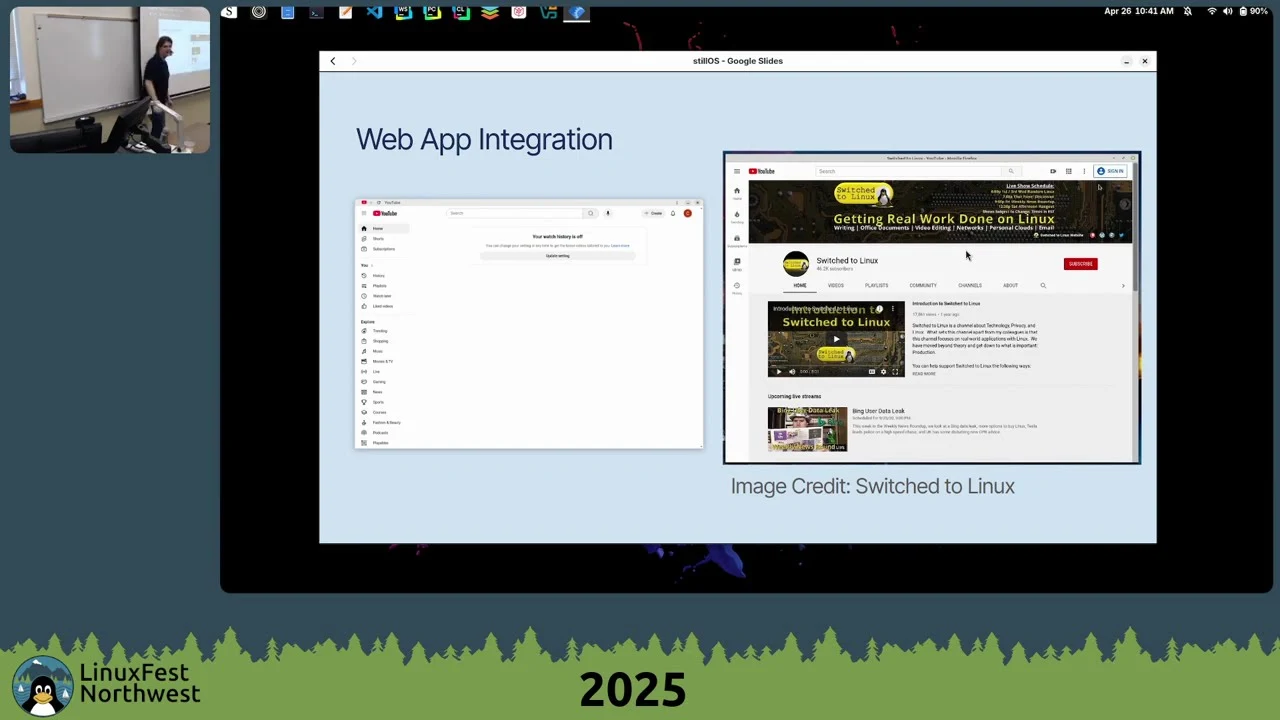 LFNW 2025 (stillOS Launch Event)
LinuxFest Northwest talk introducing stillOS and its AlmaLinux and bootc base.
 How to Make Linux Mainstream (stillOS)
Conference talk on what keeps Linux from everyday users and how stillOS approaches it.
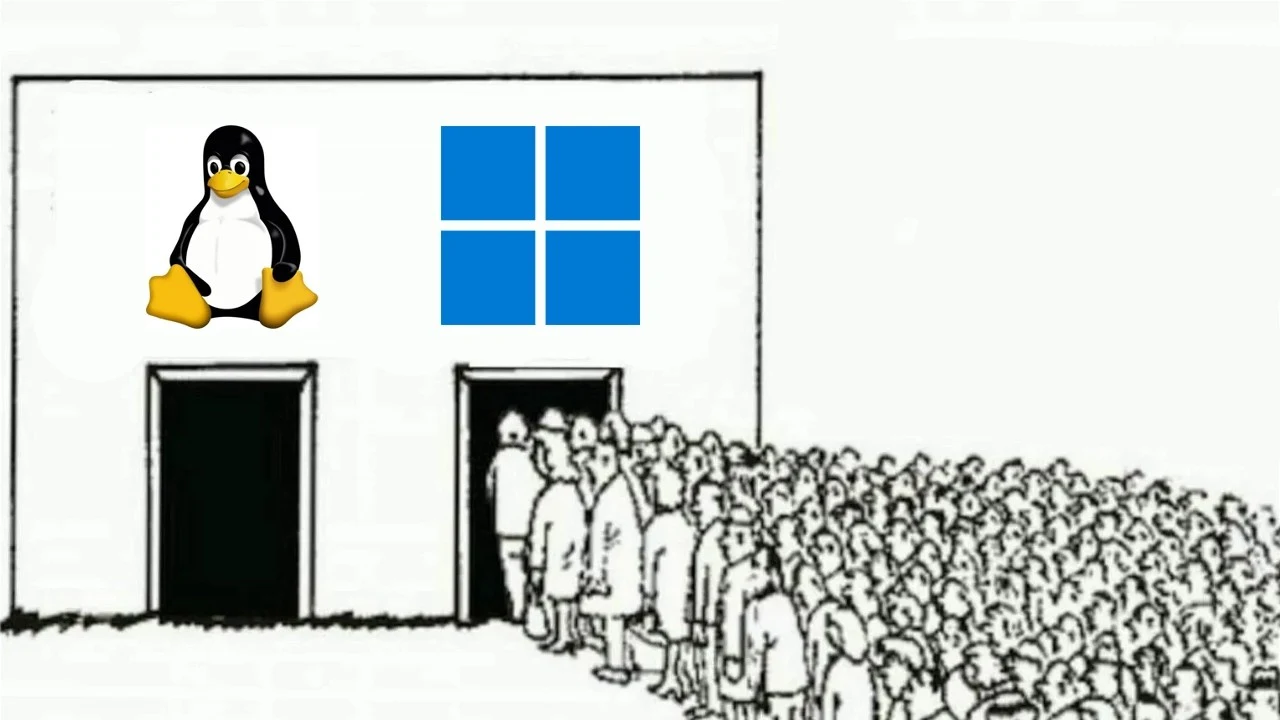 Why Normal People Don’t Use Linux
A candid look at the everyday friction that pushes mainstream users away from Linux.
Now that stillOS is reaching the technical polish we set out to build, our biggest goal for the future is not just shipping more features. It is building a healthy, lasting community around stillOS and stillHQ.
Good software is not enough on its own. If someone tries a new operating system and finds thin documentation, nobody around to answer a question, and a single maintainer carrying everything, it is hard to trust that project long term. A strong community helps newcomers get unstuck, keeps guides and app ratings accurate, catches issues early, and makes sure stillOS can thrive beyond any one person. You can learn more about project lead Cameron Knauff’s thinking on this in his video Building an Open Source Community.
We want stillHQ to feel friendly and practical whether you run stillOS or not. New Linux users should be able to ask basic questions and get straight, helpful answers without anyone talking down to them.
We pair Discord as an approachable front door with searchable Forums (community.stillhq.io) and living Documentation (docs.stillhq.io), so helpful answers stay easy for the next person to find instead of disappearing into chat history.
Good ideas come from all kinds of people. You can edit or write app setup guides directly from stillCenter (“Edit This Article”), flag or test app ratings (“Request Human Test”), translate stillHQ apps into new languages, improve documentation, test new releases, or share design and feature ideas. We also welcome responsible AI-assisted contributions, as long as you test and stand behind what you submit.
Official messaging, logos, colors, typography, and naming conventions for stillOS and stillHQ.
“stillOS. Calm by Design. Ready for Real Work.”
Official stillOS tagline
stillOS is a Linux distribution from stillHQ that pairs AlmaLinux 10 and bootc-based system updates with automatic app updates and a customized GNOME desktop, so people can spend less time maintaining their computer and more time using it.
stillOS is a consumer-focused Linux distribution made for everyday computers. Built on AlmaLinux 10 with atomic, bootc-based system updates and automatic Flatpak updates, stillOS pairs a familiar, customizable GNOME desktop with tools built by stillHQ (SWAI, stillCenter, stillControl, Quick Setup, stillExplore, and stillTerminal) so Linux works out of the box without asking every user to become their own system administrator.
Use the outlined SVGs for publishing (they do not depend on installed fonts), or grab PNGs at the size you need.






stillOS lettering in a standard font or tighten its spacing.Blue works best as an accent, not wallpaper. Keep pages calm with plenty of neutral breathing room.
#1A2F5A · RGB 26, 47, 90
Logo and primary brand panels.
#3584E4 · RGB 53, 132, 228
Focus states, illustration, and accents on light surfaces (use dark text, not white body text).
#1A5FB4 · RGB 26, 95, 180
Interactive buttons with white text.
#81D0FF · RGB 129, 208, 255
Highlights and atmospheric accents on dark surfaces.
Light mode follows Libadwaita neutrals with a #FAFAFA canvas, #FFFFFF cards, and #242424 ink. Dark mode uses a #303030 canvas, #383838 cards, #F3F3F3 ink, and #91BAFF links.
Always keep still lowercase and capitalize the product suffix.
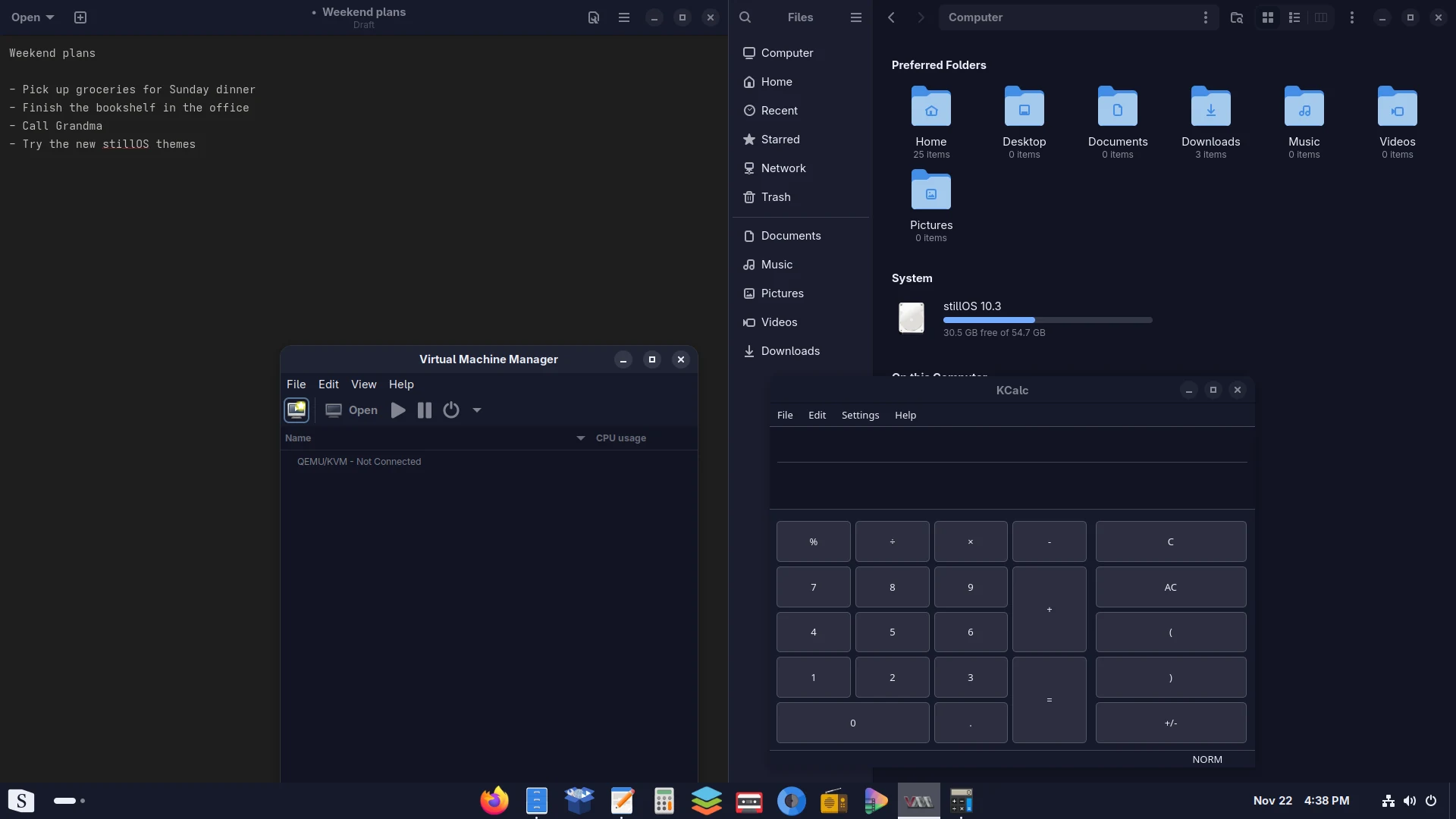
Full 1080p screenshots of stillOS 10.3 are available for editorial coverage. Please credit stillHQ and note the stillOS version shown when publishing.
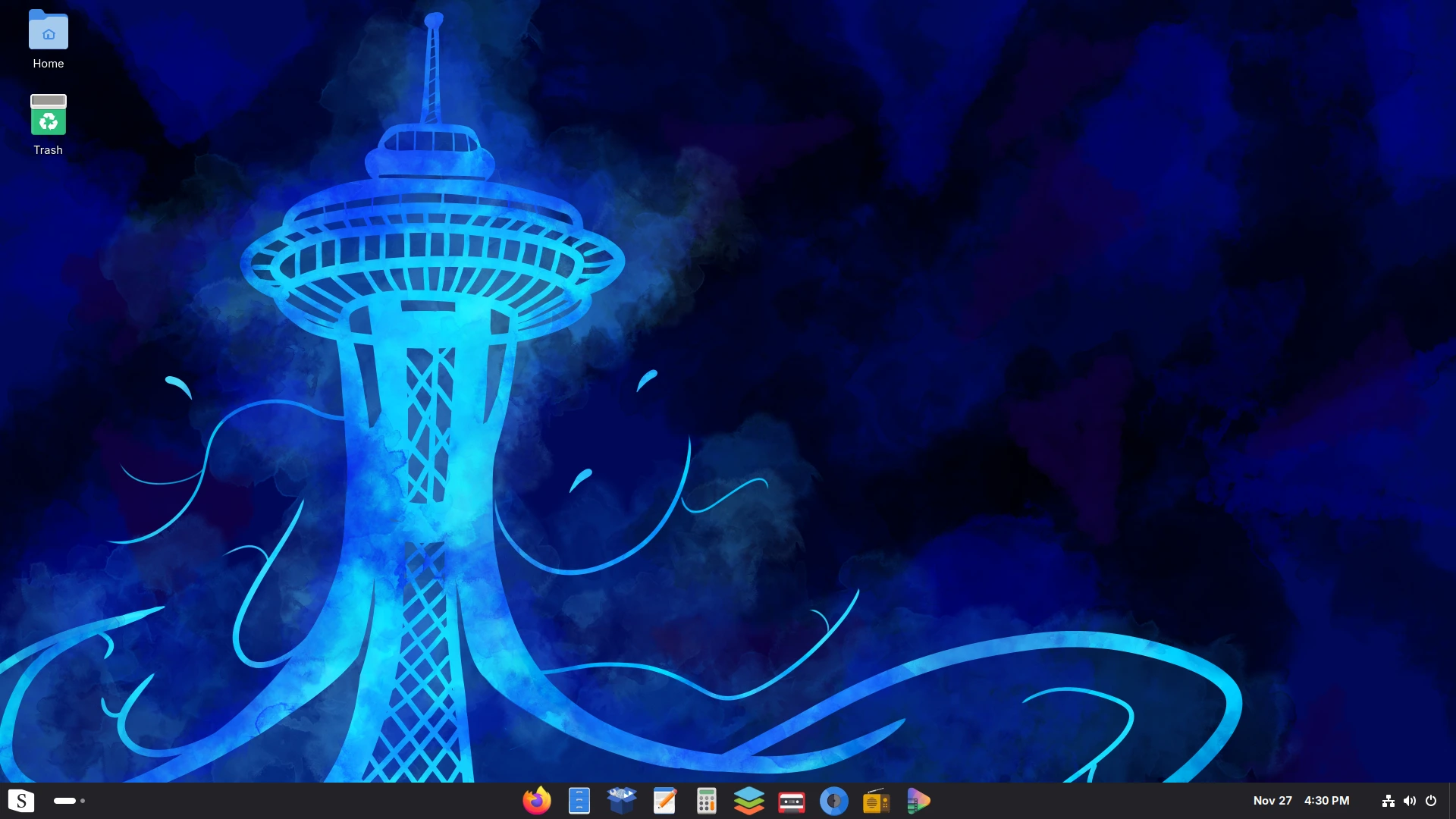
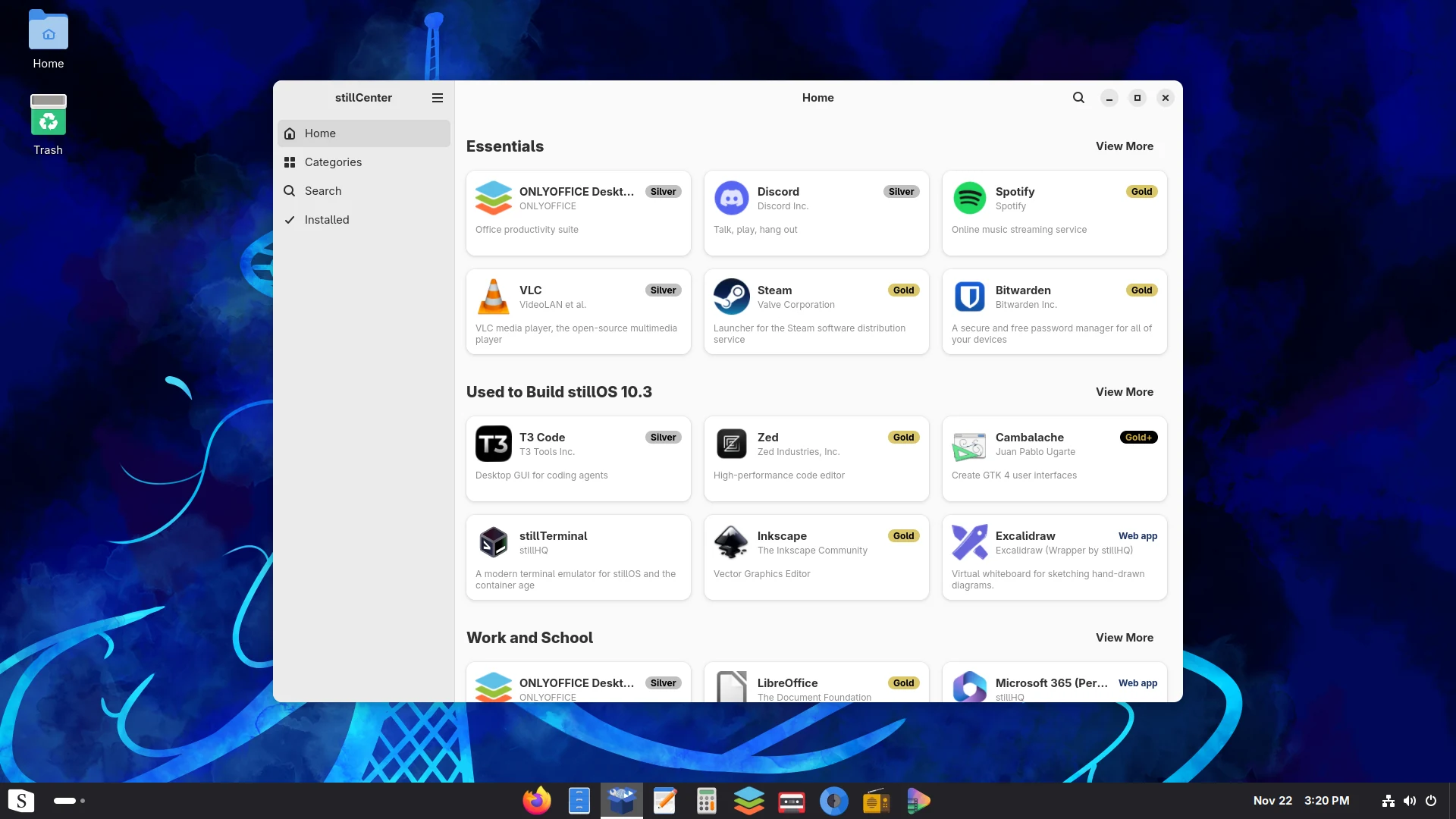
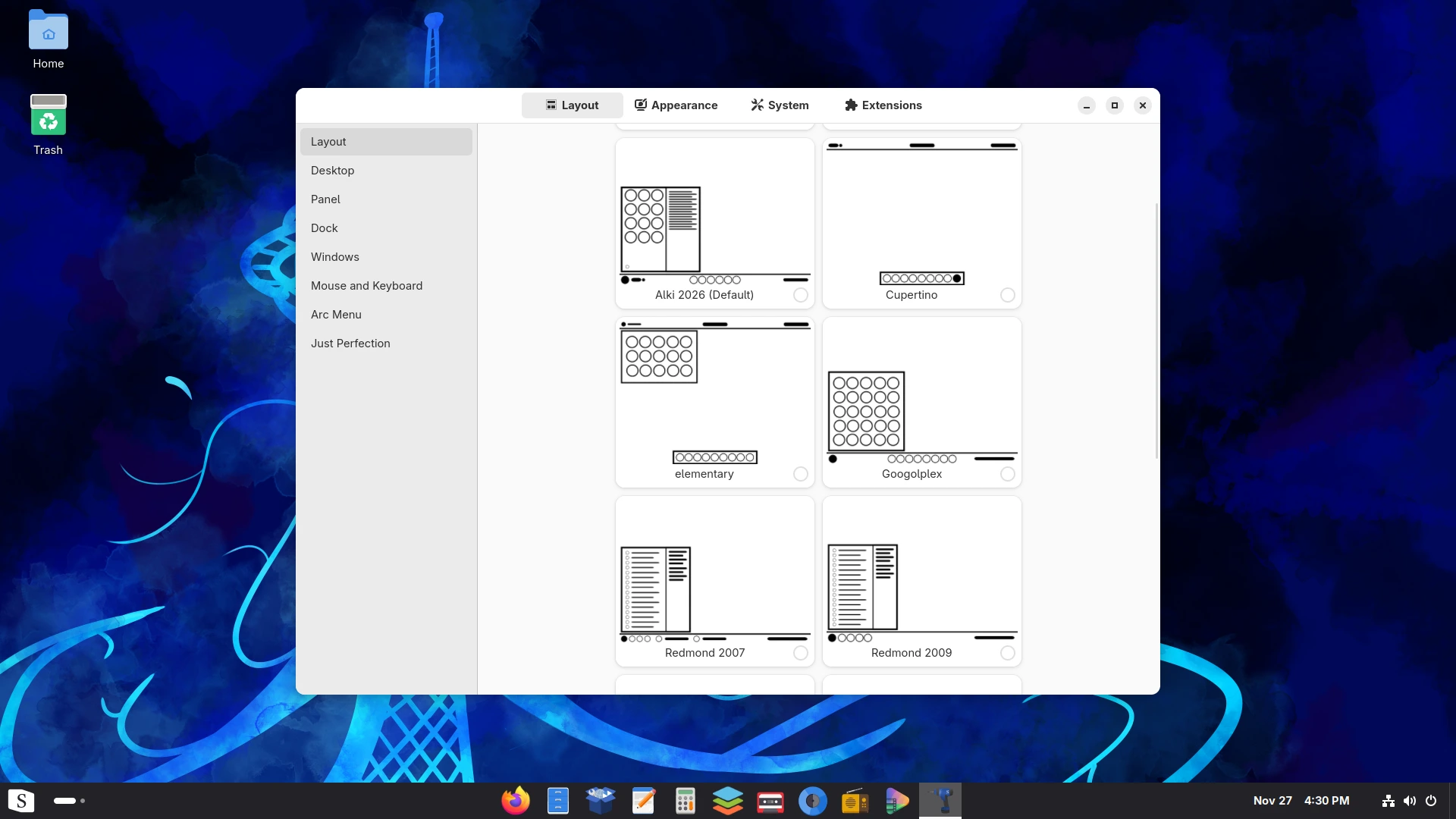
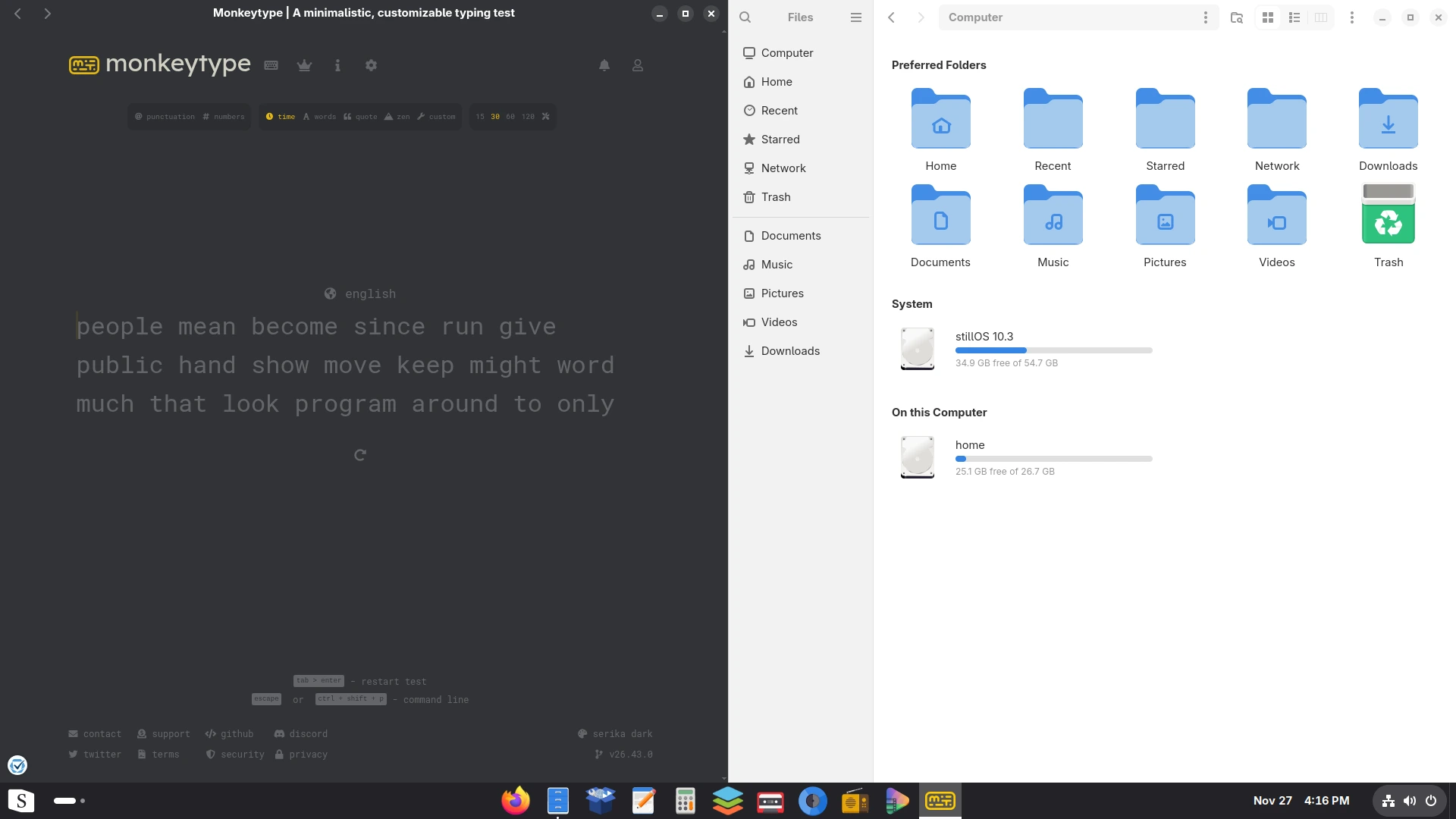
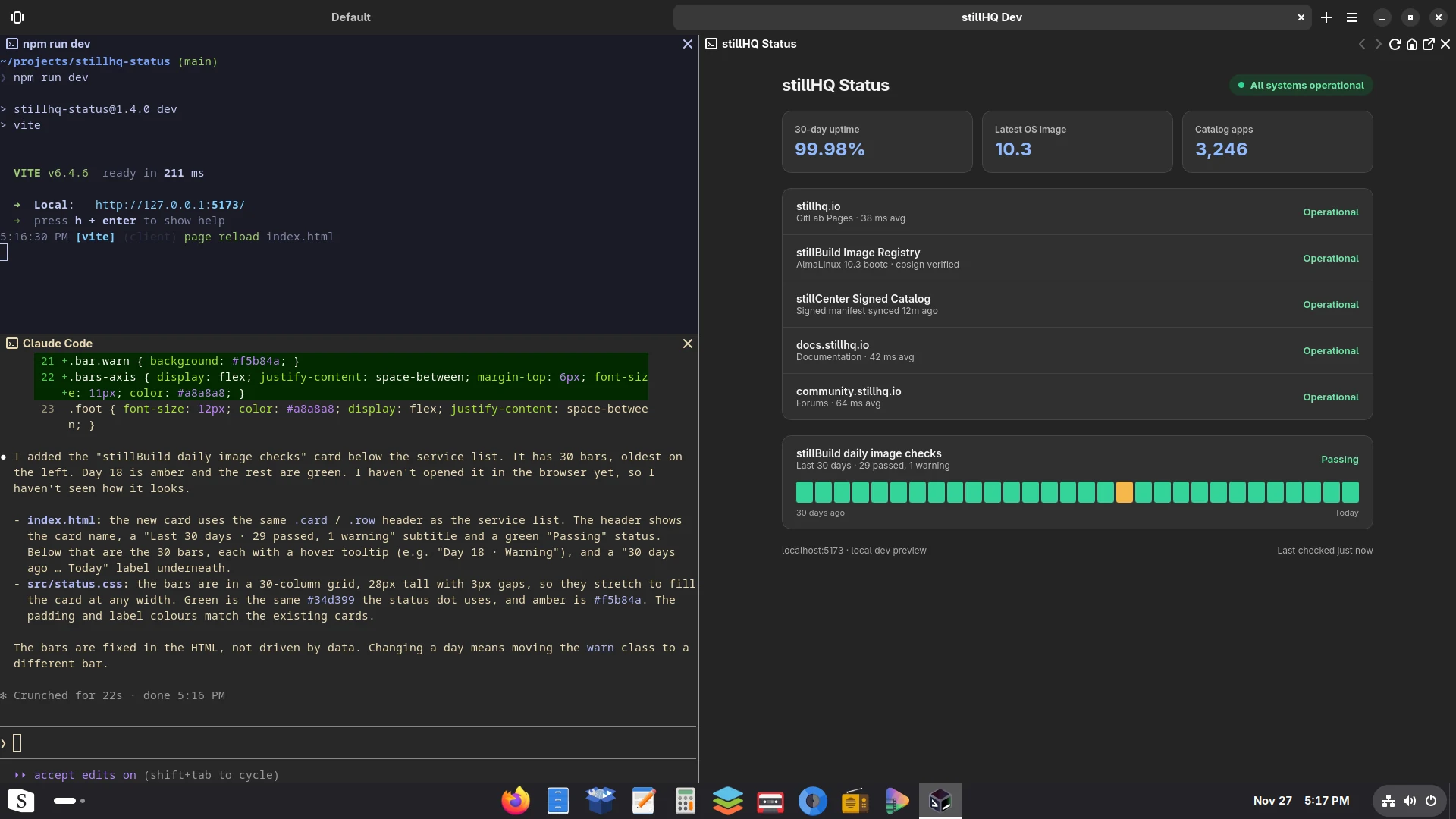
The stillOS logo artwork is sourced from the official stillos-logos repository (GPL-2.0). Providing these files here gives journalists, creators, and community members permission to identify stillOS and stillHQ accurately. Please do not use the marks in a way that suggests official sponsorship, endorsement, or affiliation without permission. Third-party applications and services visible in screenshots (such as Firefox, Microsoft Word, Google Docs, Monkeytype, Photopea, or KDE and GNOME marks) belong to their respective owners and do not imply endorsement.
For press inquiries, interviews, review questions, or brand permissions, email Cameron Knauff directly.
For technical help or general questions about using stillOS, please use our Discord, Forums, or Documentation.